How bpy-compass works
The Blender Python API changes in every major release, and the internet is full of tutorials that no longer run. A plain LLM answers from a memory that blends every version together. bpy-compass answers from a Knowledge Base whose conflicts a human has already resolved.
- Sanity project
- uuc8lnyk · dataset production · query it without a token
- Knowledge Base
- bpy-compass (kbMlSqMSn4Q9), served by Context MCP endpoint bpy-compass
- Model
- z-ai/glm-5.3-flash via OpenRouter, provider novita, temperature 0
- Code
- github.com/Rustam335/bpy-compass
Pipeline
Browser ── Next.js (App Router, Vercel)
              │  /api/chat  (server-only)
              ├── Vercel AI SDK ── OpenRouter ── pinned model + provider
              └── MCP client ──► Sanity Context MCP (mode: knowledge_base)
                                     └── Knowledge Base "bpy-compass"
                                           ├── dataset source : *[_type=="apiChange"]  (27 curated changes)
                                           ├── website source : release notes 2.80 · 3.6 · 4.0 · 4.1 · 4.2 · 4.4 · 4.5 · 5.0
                                           └── file source    : 4 deliberately stale tutorials

Local only:
scripts/eval.ts ─► agent + baseline ─► blender -b --python ─► evalRun documents in Sanity ─► /eval
The agent gets two tools from the endpoint: the Knowledge Base outline and knowledge_base_read. The outline is inlined into the system prompt, so a typical answer costs one read call.
Why structured content matters
Every apiChange document records a symbol, the version it changed in, the kind of change and its replacement. That structure is what lets the agent say “removed in 4.0, use context.temp_override()” instead of guessing, and it is why the same question gets a different script on 4.2 and 5.0.
What the Knowledge Base build found
Old-style tutorials were uploaded next to the official release notes on purpose. The build raised six critical conflicts. Four of them were facts that are true for different versions (the EEVEE identifier, the boolean solver names), so picking one side would have made the Knowledge Base wrong for the other version. They were resolved with version-scoped picks and four standing Instructions (two from the build, two from failures the eval and a manual test surfaced later).
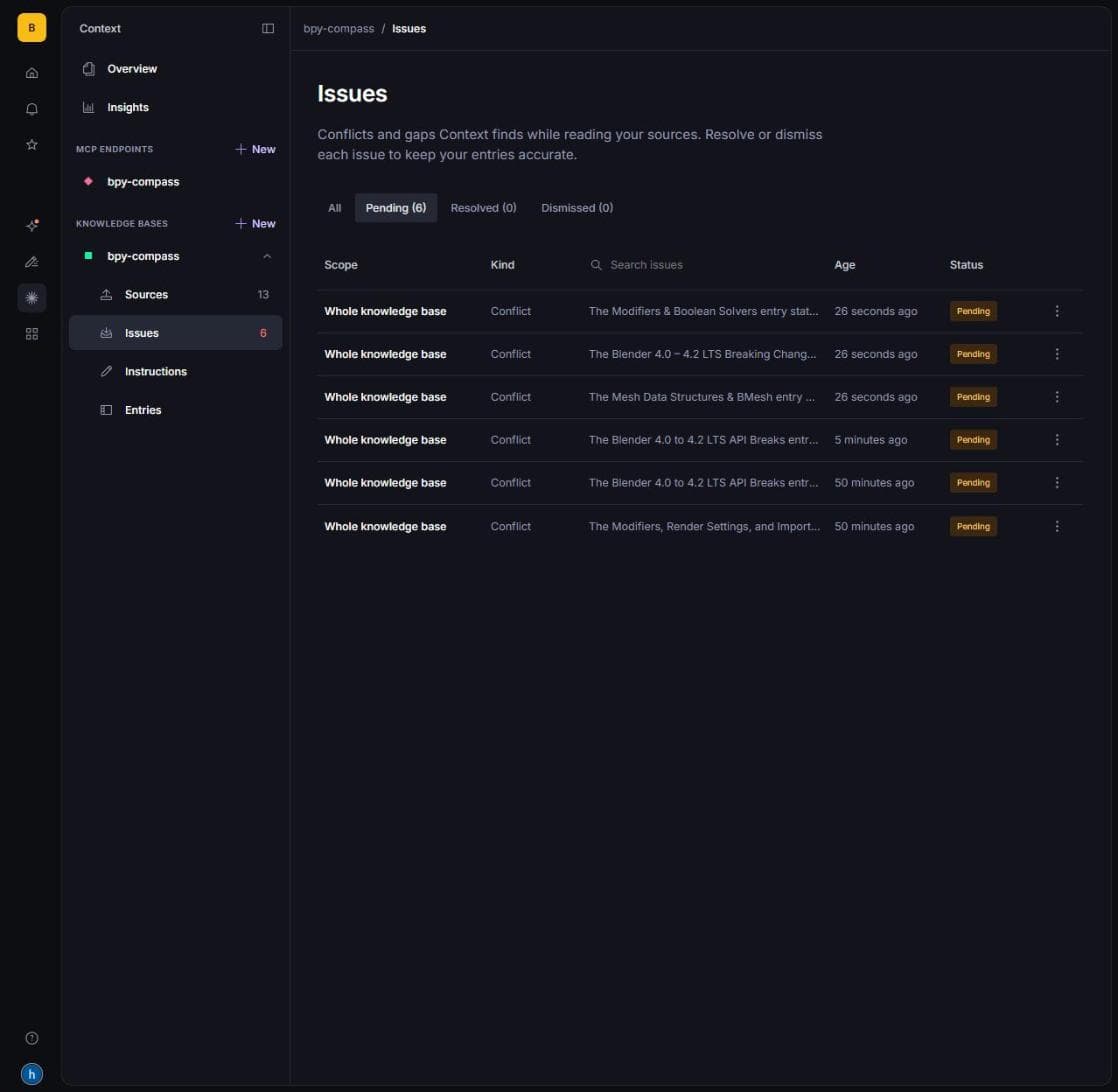
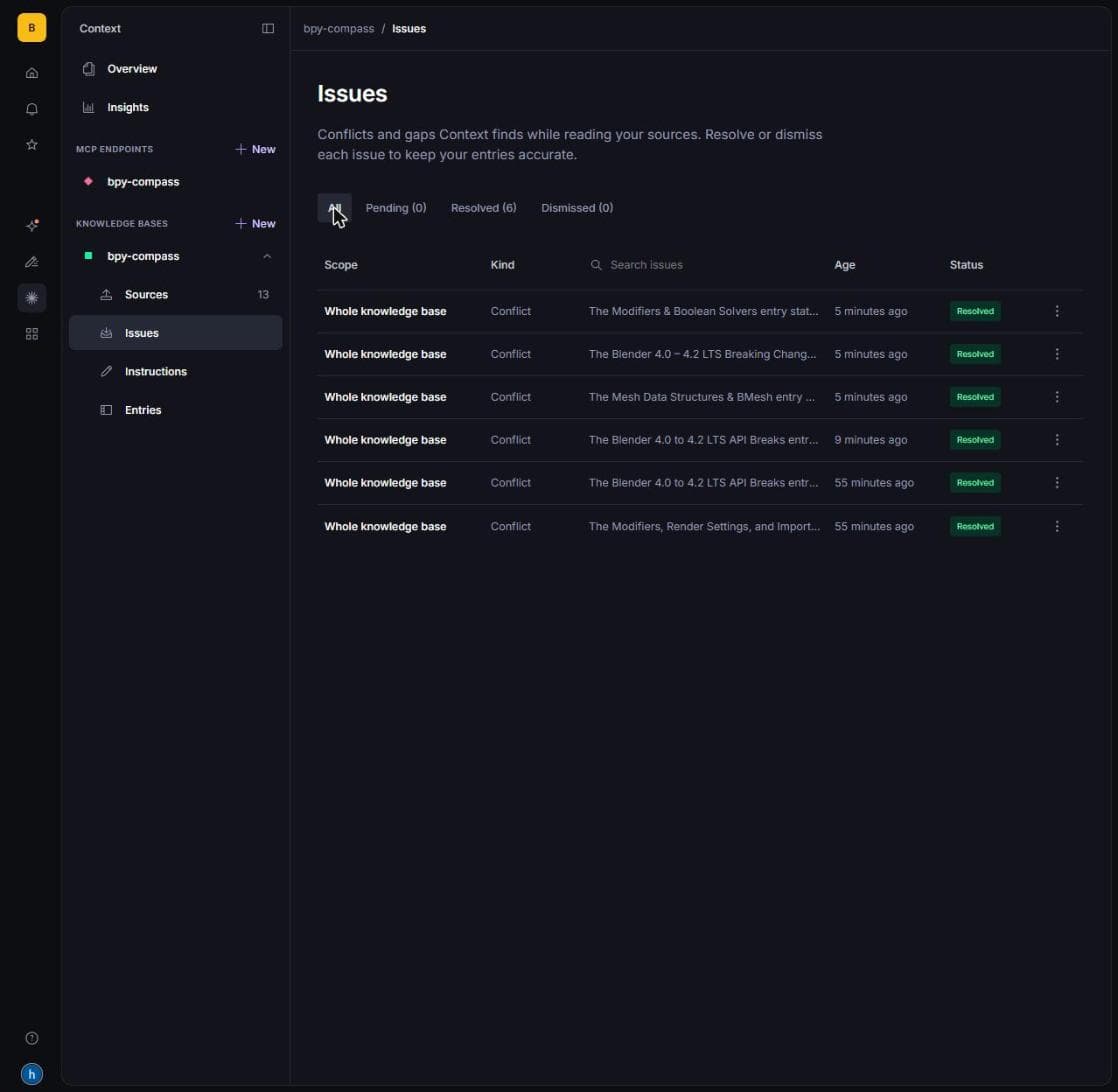
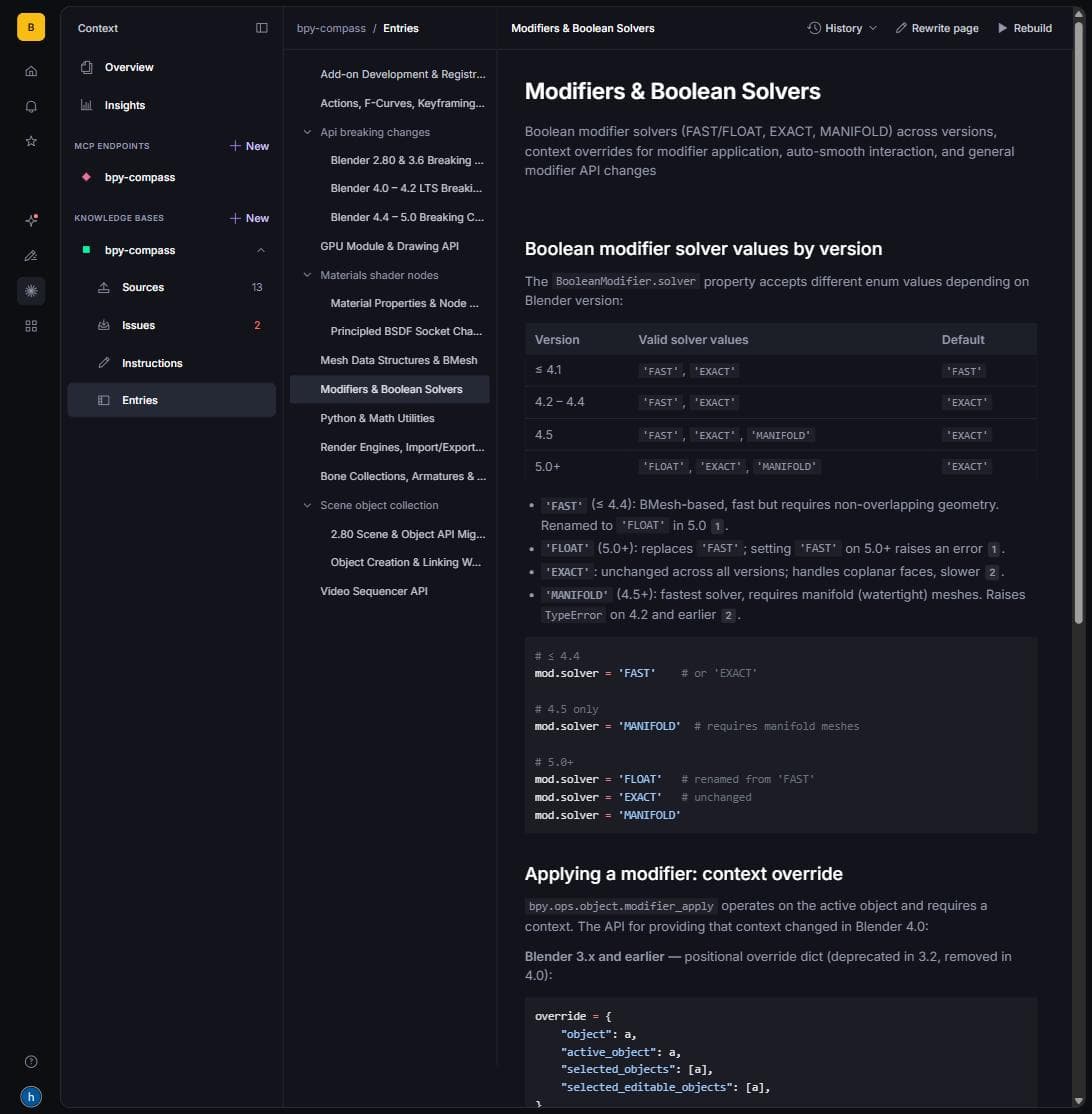
One lesson: tutorials that carry an “intentionally outdated” banner produce zero conflicts, because the build reads the banner and files them as history. Real stale tutorials have no banner, so neither do ours.
Honesty rules
- Every answer lists the Knowledge Base entries it read.
- If the Knowledge Base does not cover a question, the agent says so. When it covers only part of it, the rest may come from the model's own knowledge, but every such code section is marked
# NOT in Knowledge Base:inside the script and is never cited as a source. - Eval results come from real headless-Blender runs and are shown as they ran, including failures. Baseline and bpy-compass share the same model, provider, temperature, system prompt and user prompt; the only difference is that the baseline has no Knowledge Base.